





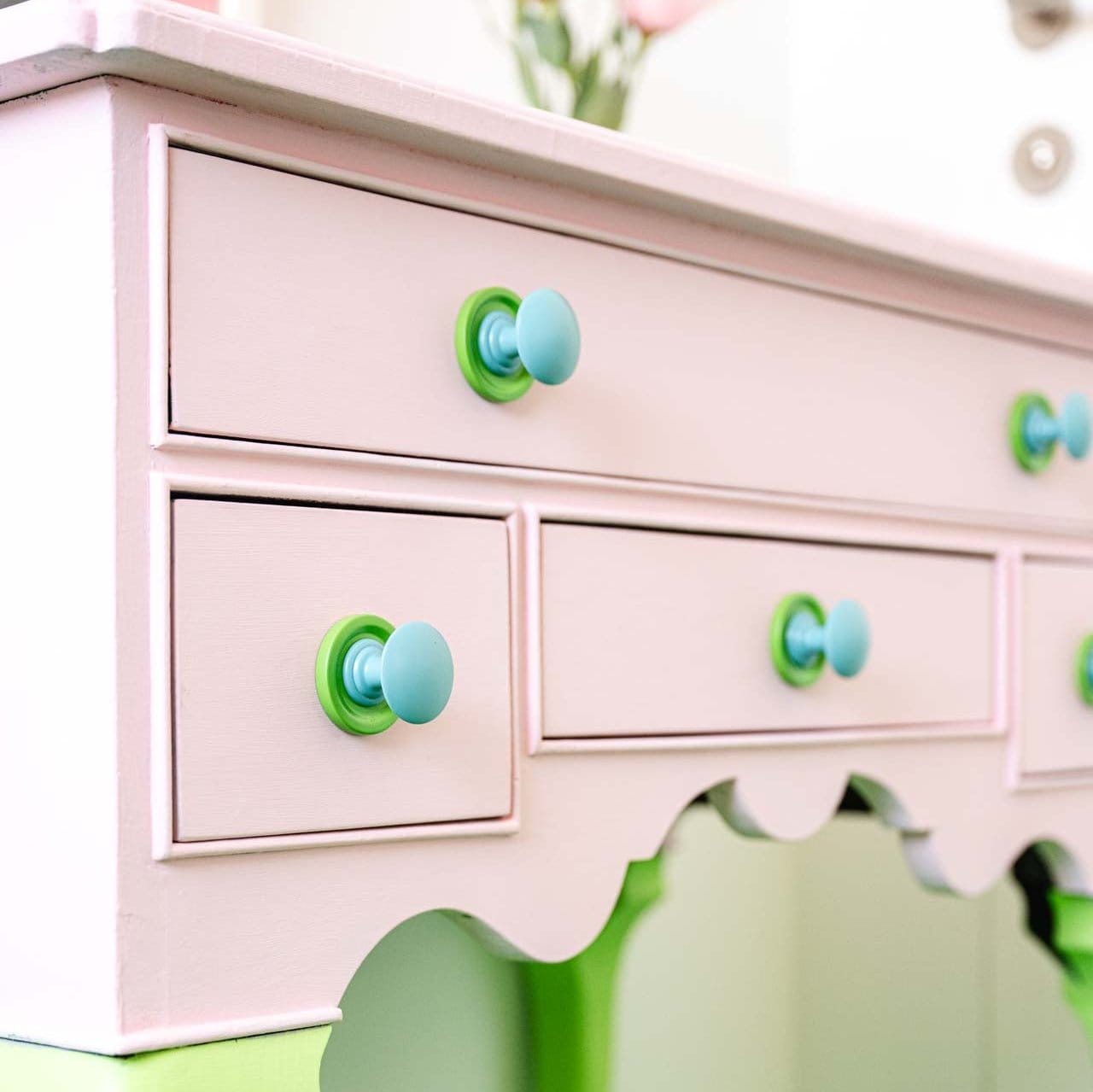

Beauport 1.50" Powder Coated Backplate - Gothic Apple
Archive
Member of the Trade? Log in Here
 No Returns
 5 year warranty
Product Details
Projection:
0.17"
Dimensions
1.5" L x 1.5" W x 0.17" Projection.
Shipping
Shop the American Rhapsody Collection
Archive
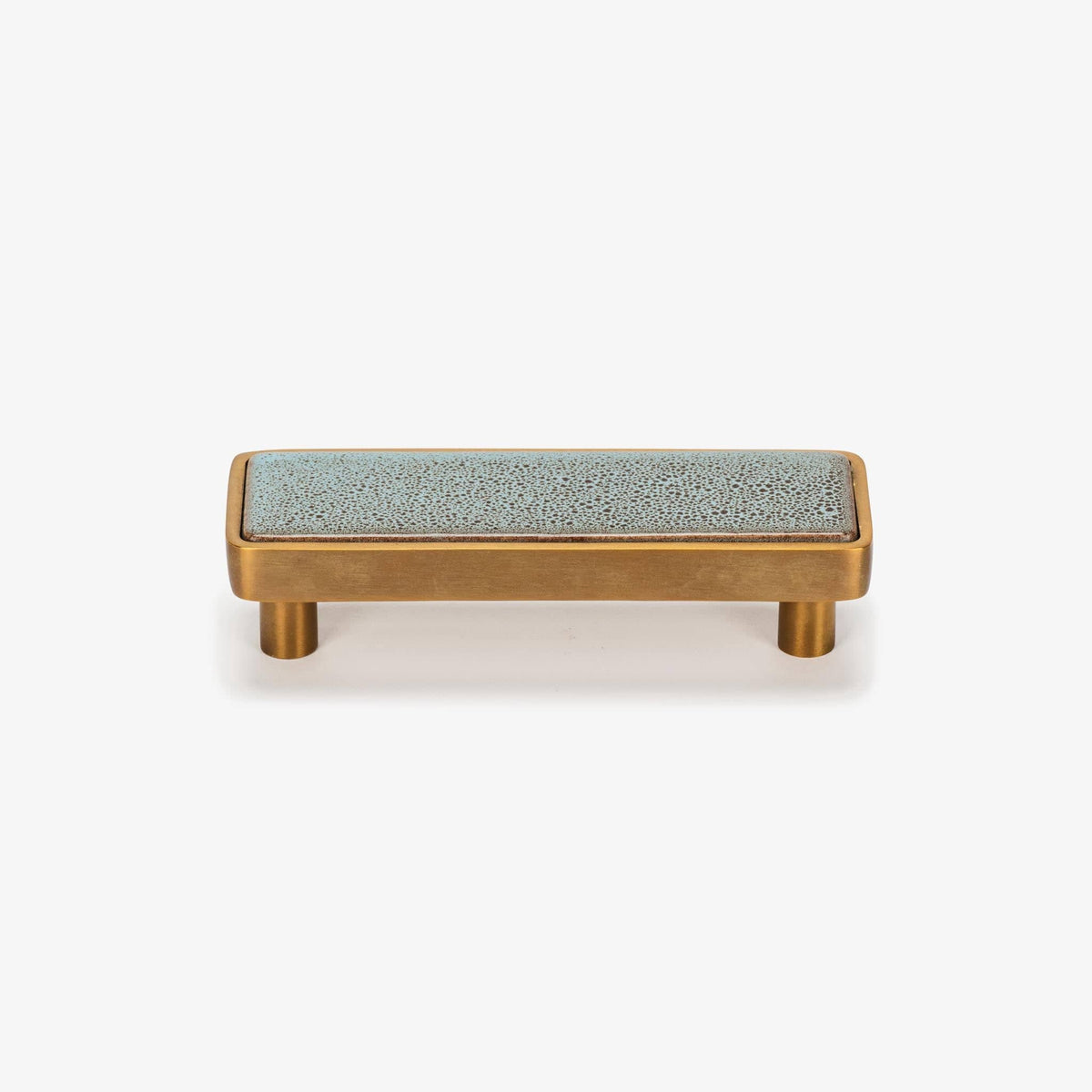
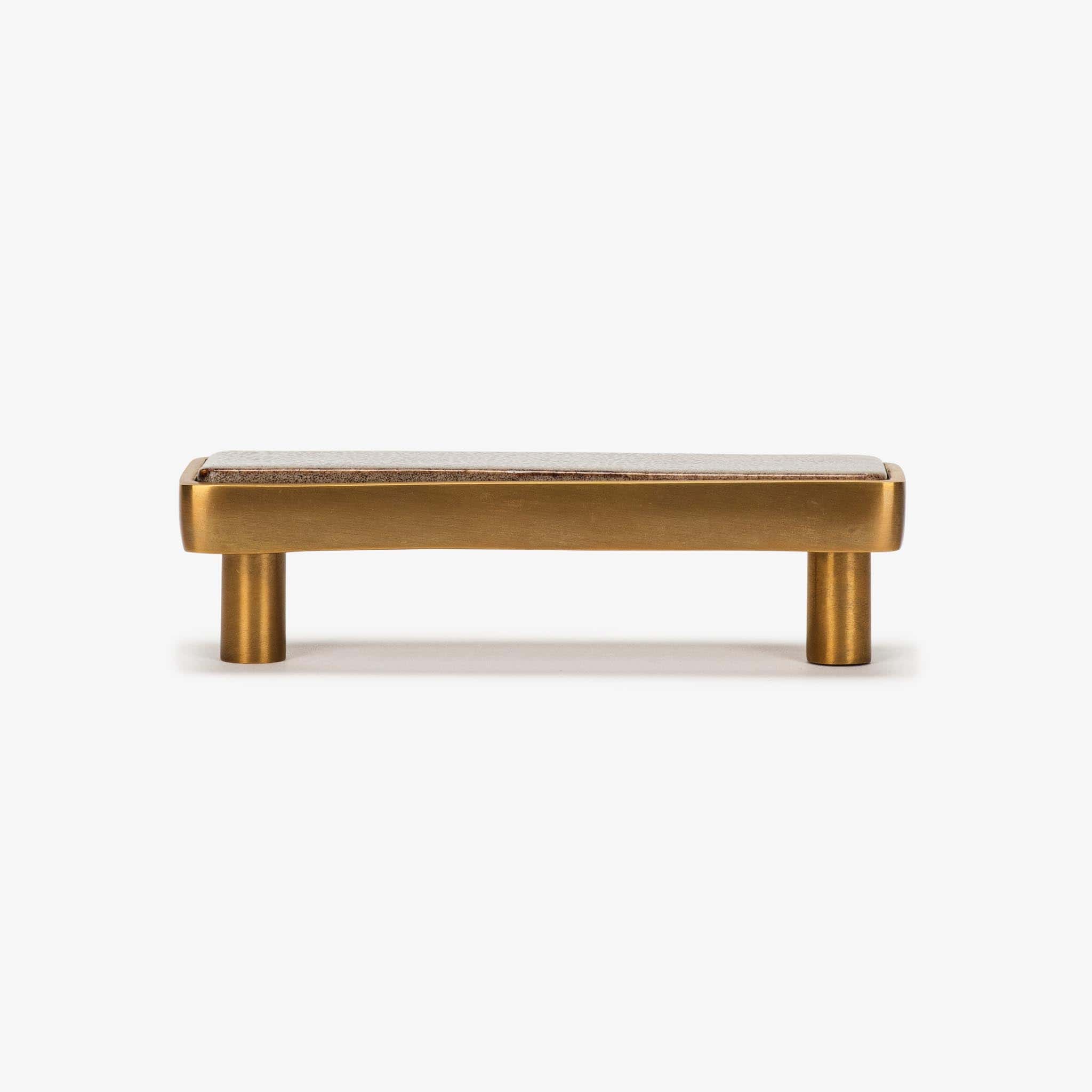
Fallingwater Ceramic Pull (4" c-c) - H2O
Sale price$32.25
Regular price$129
Archive
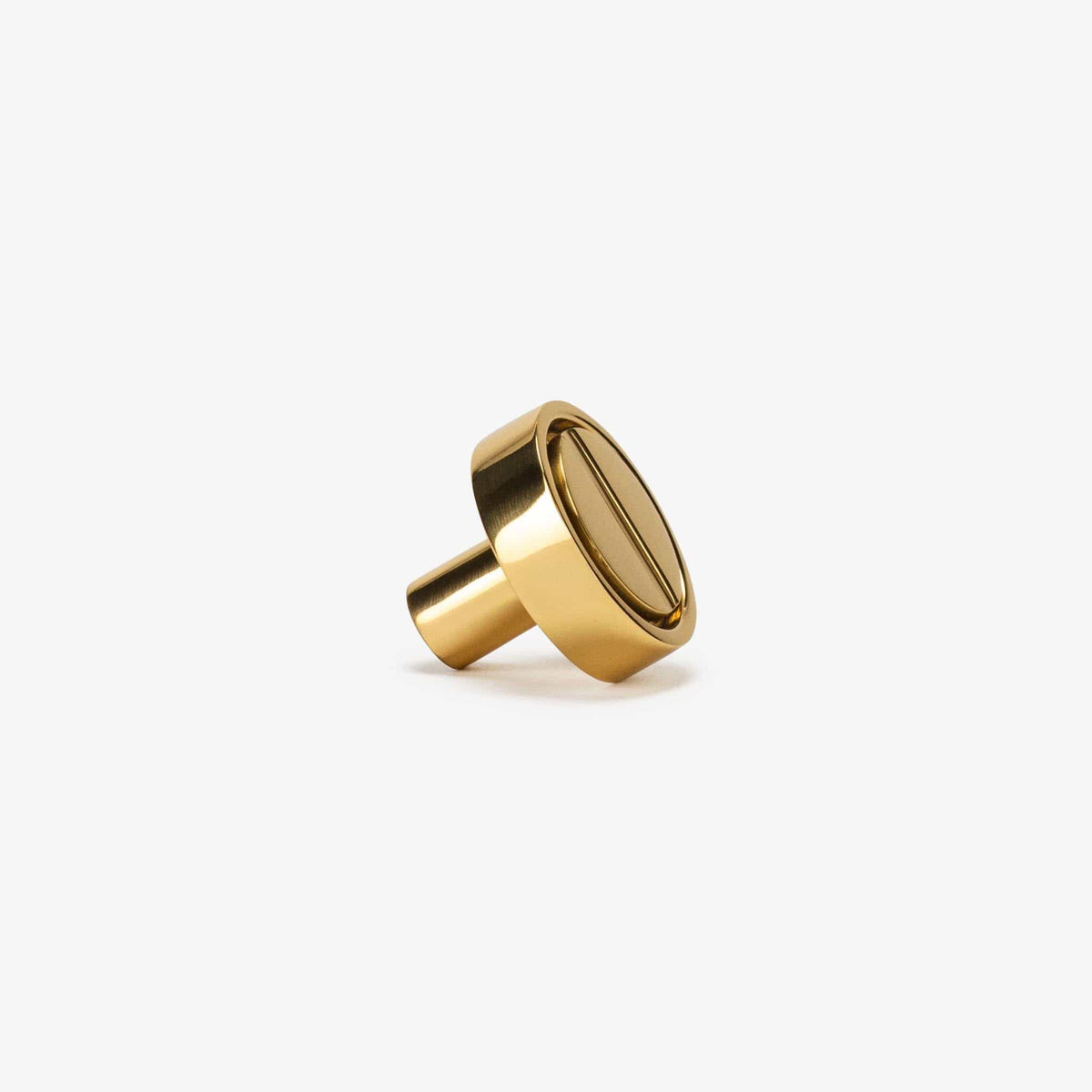
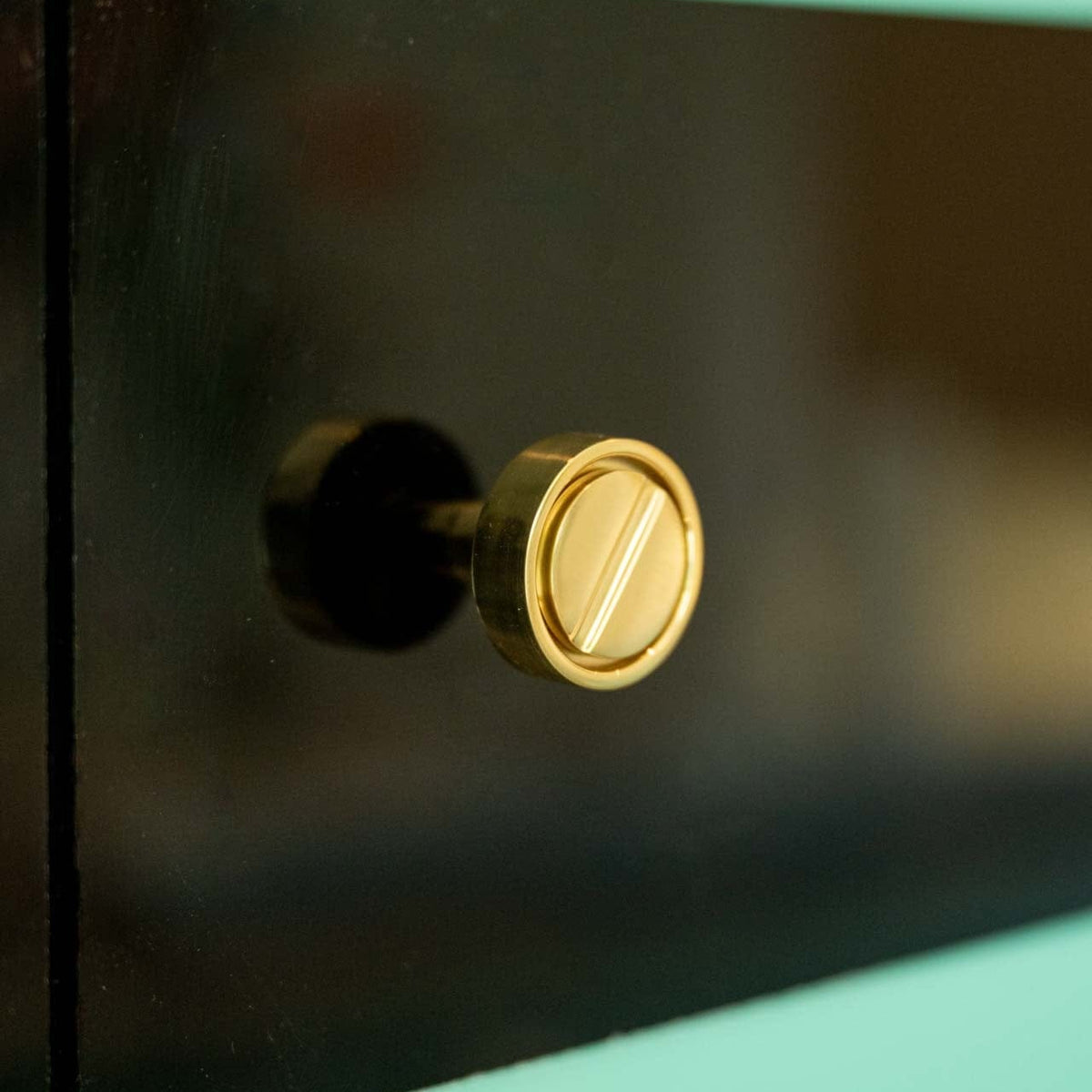
Archimede 1.25" Solid Brass Knob - Polished Brass
Sale price$19.75
Regular price$79
Archive
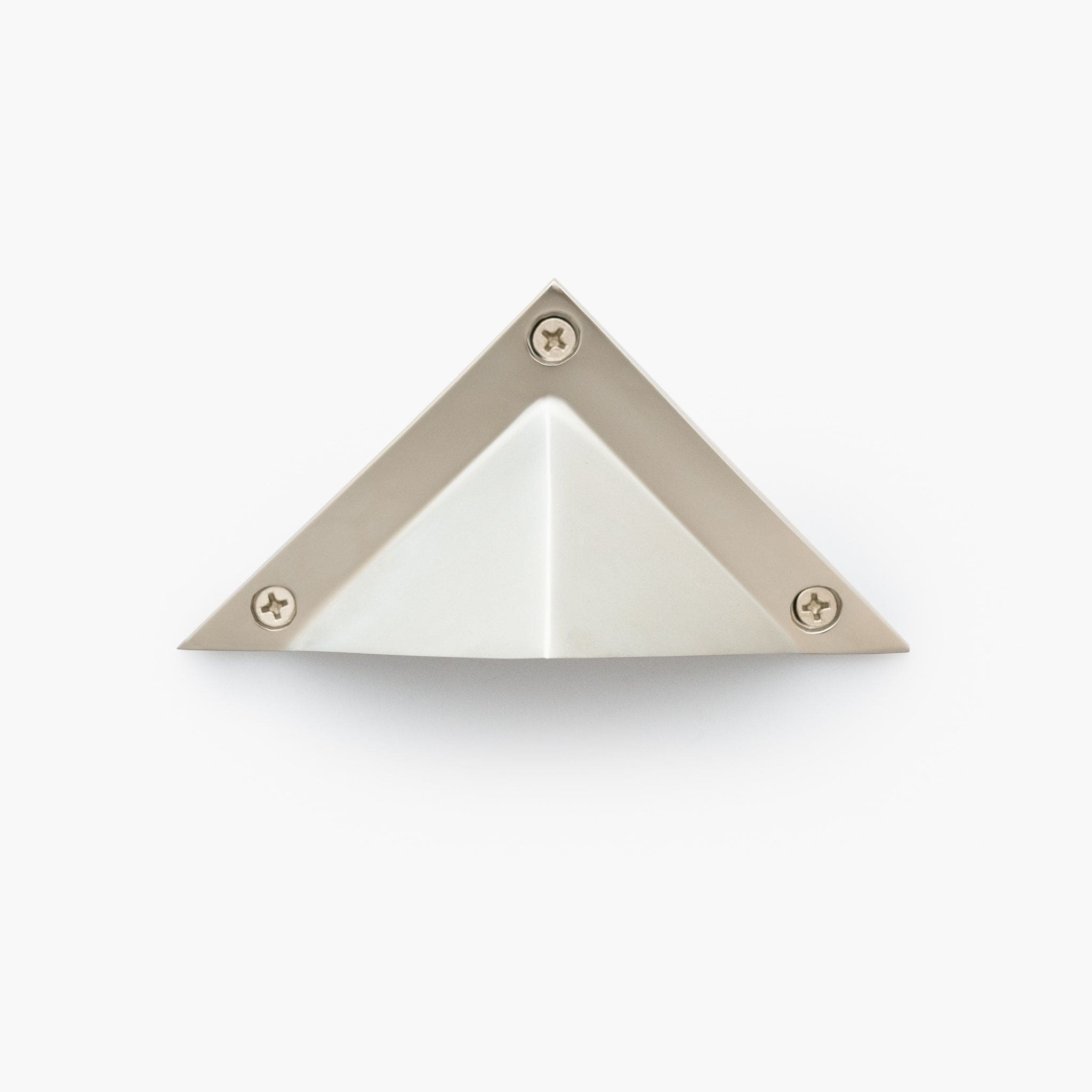
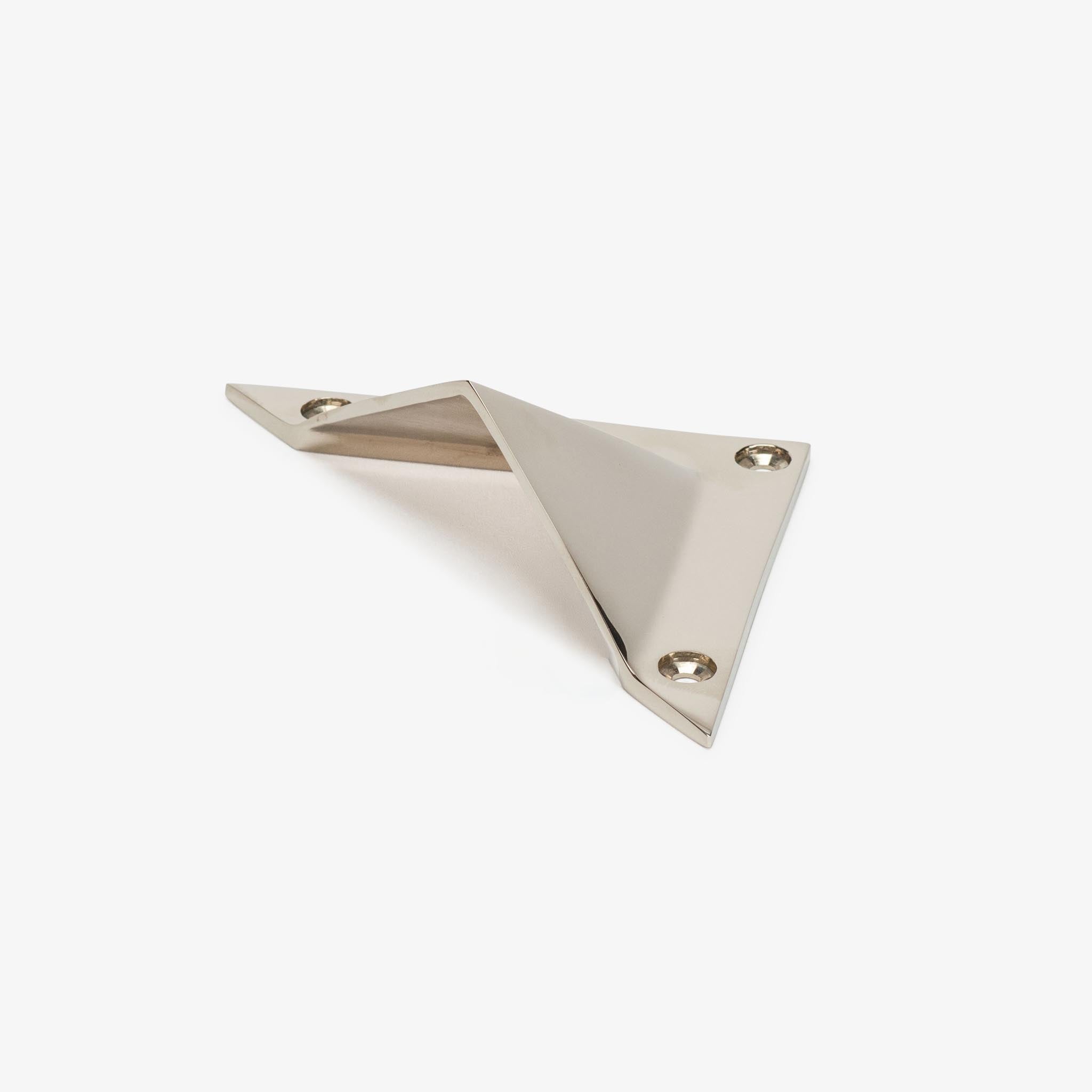
Triangle Solid Brass Bin Pull (3.5" c-c) - Polished Nickel
Sale price$19.75
Regular price$79
Archive
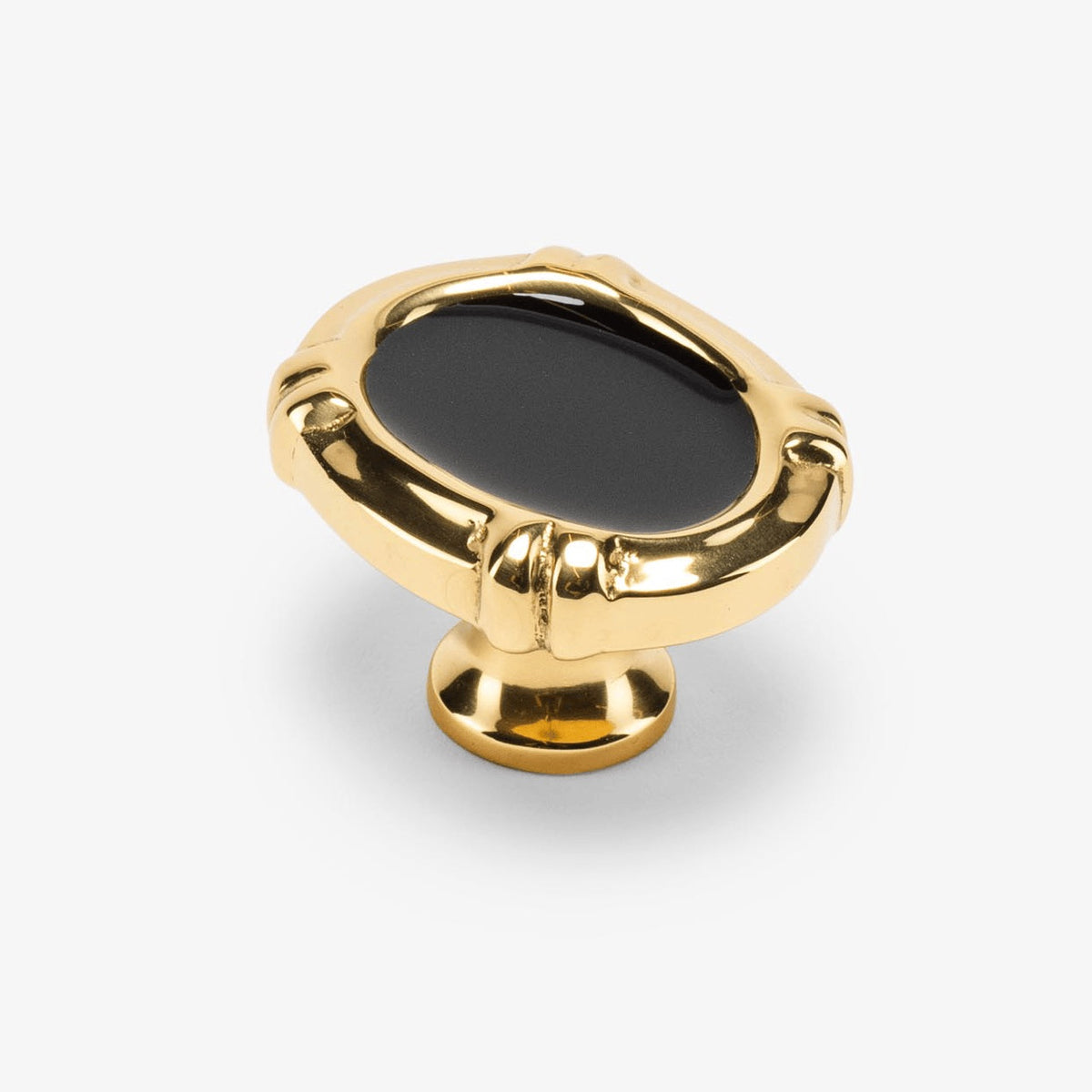
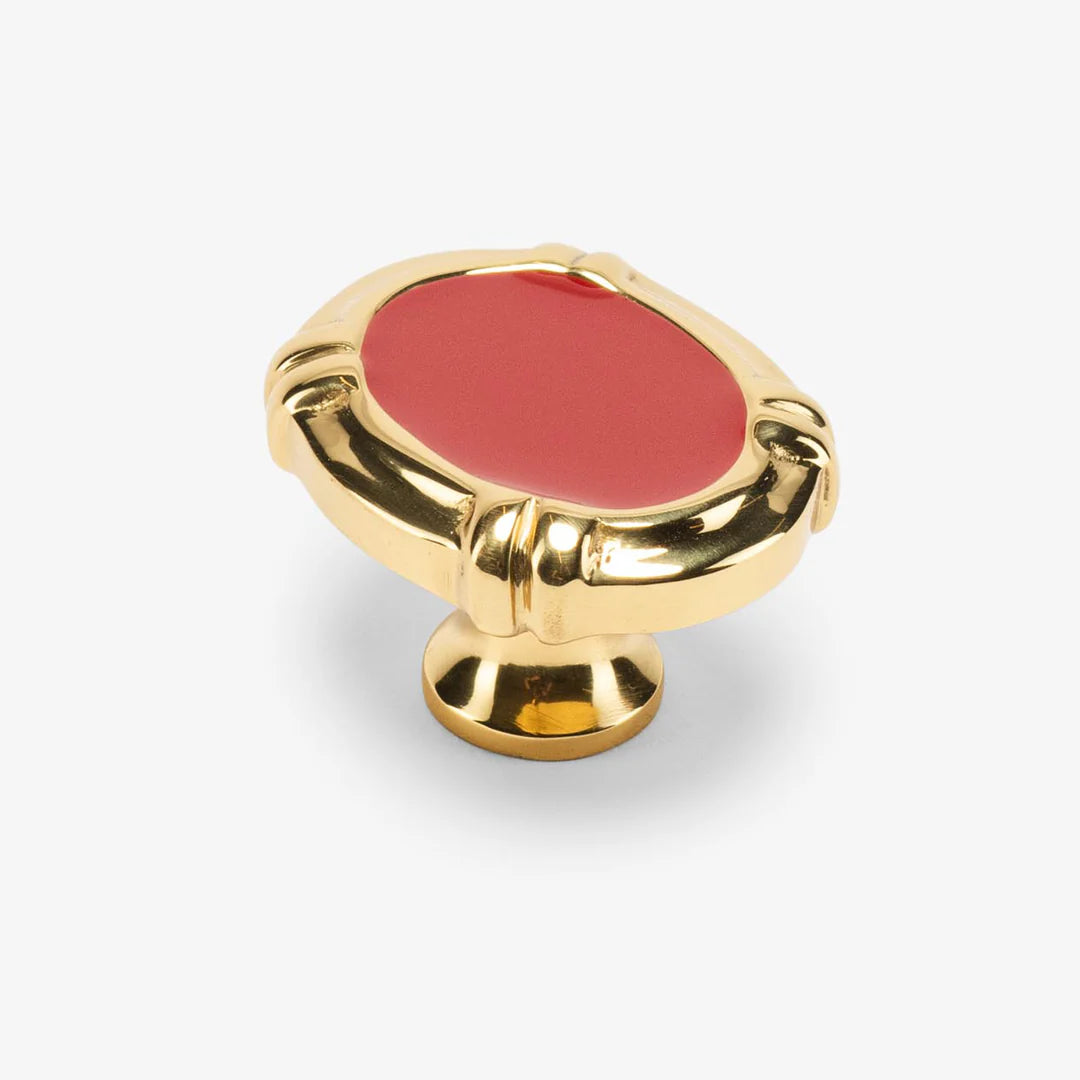
Intaglio Enamel Knob - Oxblood
Sale price$7.50
Regular price$30
Archive
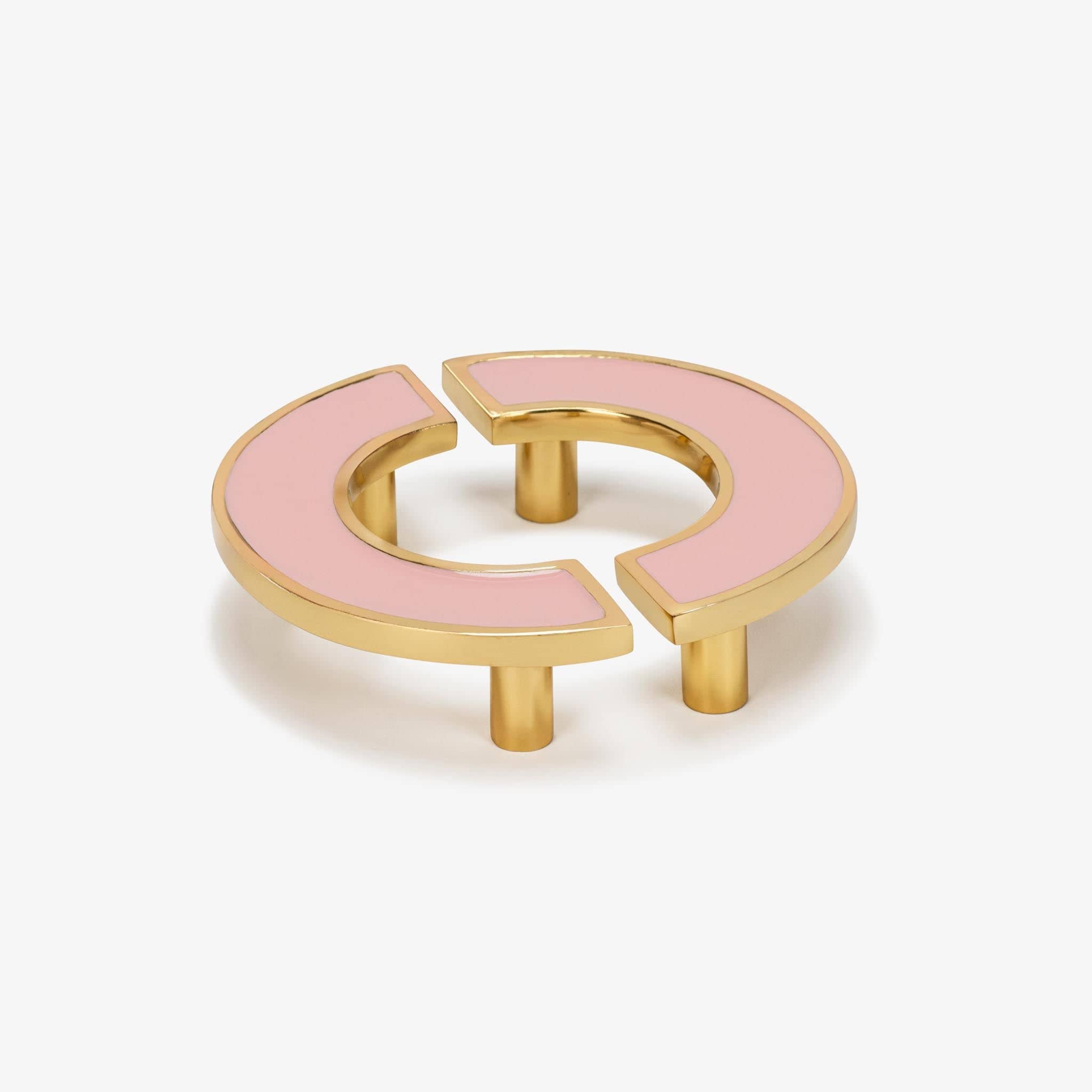
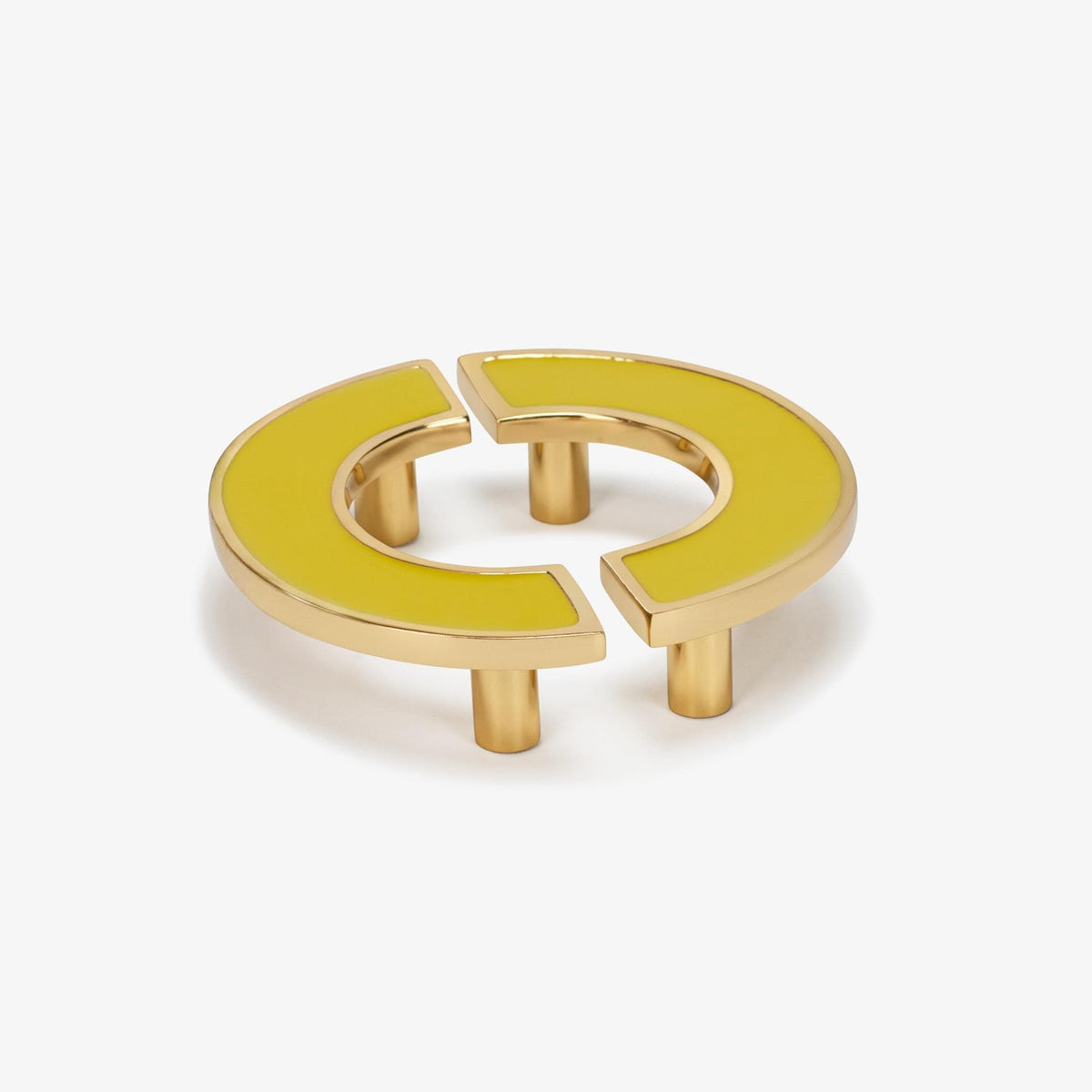
O Enamel Pull Set (3" c-c) - Flamingo
Sale price$49.75
Regular price$199
Installation
Installing your backplate is simple and takes just minutes. Follow our step-by-step guide for precise, polished results.
 Step 1
Determine Placement
Align the backplate with your existing or planned knob or pull location. Ensure placement is centered and consistent across all doors or drawers.
 Step 2
Position the Backplate
Place the backplate directly onto the cabinet surface, aligning holes with your drilled openings.
 Step 3
Check Fit & Spacing
Hold the backplate in place and test alignment with your knob or pull. Confirm that screw length accommodates both the backplate and cabinet thickness.
 Step 4
Install by Hand
Insert longer screws as needed, attaching the knob or pull through the backplate. Tighten by hand, then secure with a screwdriver.


